
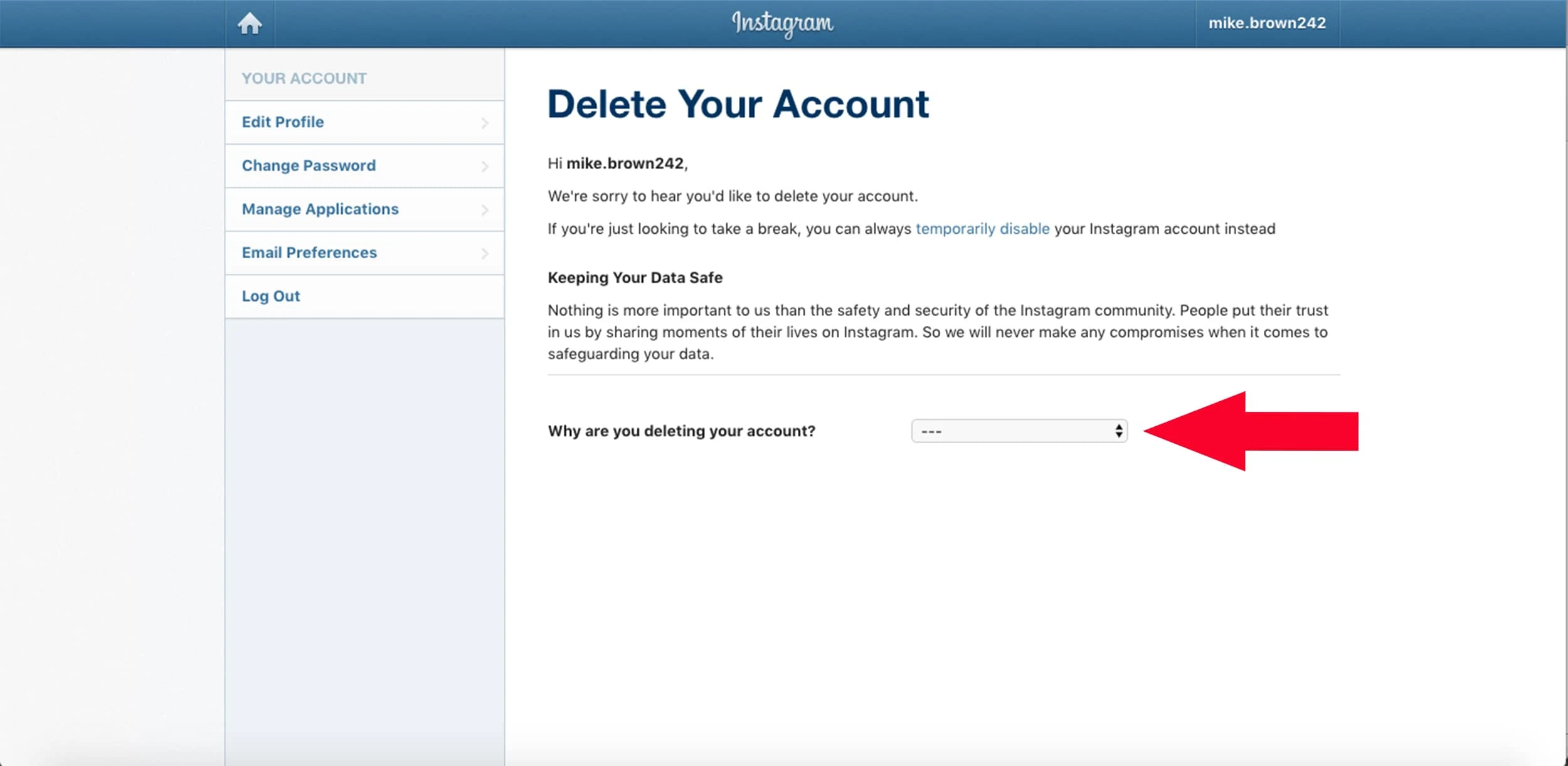
A screenshot can preserve what an interface looked like at one moment, but it does not guarantee that the same menu, wording, or process exists today. Social platforms change frequently, so old help images should be treated as historical evidence rather than current instructions.
Look for signs of an older interface
Outdated logos, navigation styles, desktop-only layouts, old terminology, and missing features can reveal age even when no date is printed. A visible username or sample account may also show that the image came from a specific user's session rather than a general help page.
Separate the purpose from the procedure
An old screenshot may still explain the kind of choice a user once faced, such as disabling or deleting an account. It should not be used to claim that the current buttons, waiting periods, settings path, or data handling are identical. Those details require current official documentation.
Protect privacy when sharing examples
Before publishing a support screenshot, remove or obscure email addresses, phone numbers, usernames, notifications, and other identifying information. Cropping should preserve enough context to explain the issue without exposing an account or implying that the pictured person endorsed the guide.
Verify the current path at the time of use
Consult the platform's official help resources and note when the guidance was checked. If a screenshot is retained for historical or editorial context, label it clearly as an older interface. Written guidance should describe the current goal without promising that a menu will remain unchanged.








Comments
Leave a Comment
Your email address will not be published. Required fields are marked *